Video preview
Play the app compositor while editing, and inspect exact frames before exporting. None of it uses your export allowance.
Embed the app player#
The /embed/player page mounts the same preview canvas as the web editor and the phone app. It plays video, audio, titles, effects and keyframes without exporting. The editor starter includes a working React integration.
Fetch the document with GET /v1/projects/{id}?view=document on your server, keep the key there, and send only the document to the player, with absolute, browser-accessible media URLs.
Fetch a single frame#
The preview endpoint draws one timeline timestamp through the same pipeline that renders the export: clips, keyframes, effects, captions, colour grade. What you see is what the file will contain at that moment.
It needs render.read, not render.write: a preview uses no export allowance, so a read-only key can check a composition it is not allowed to render. Frames are limited to 10 a minute per key.
| Query | Meaning |
|---|---|
format | json (default): metadata, lint and suggestedPreviewTimes, and a frame as a data URI when at is set. image: the JPEG bytes. html: the composition below. |
at | Timeline time in seconds. Defaults to 0 for image. |
resolution | full or half, for html only. Frames are captured at half the project resolution, which is enough to check layout. |
Lightweight HTML composition (approximate)#
format=html returns an approximate HTML version of the timeline: clips, text, captions, effects and keyframes, driven by a single GSAP timeline. No file is produced. Serve it in an iframe and you have a scrubbable preview.
It arrives paused at 0. Clip visibility is driven by the timeline, so until you tell the document what time it is, nothing is on screen. That is what makes deterministic seeking possible, but an un-driven composition looks like a black rectangle.
format=html, not a video. Built from the commands below and served with no key; open the raw document to read exactly what you get back.The commands that produced it. Note where fontSize and y live: passing them at the top level is ignored, and every element lands centred on top of everything else.
Drive it from the parent frame. Both handles are on the composition's own window:
Use setCompositionTime rather than seeking the GSAP timeline directly. tl.seek() suppresses events by default, so the callback that decides which clips are on screen never fires, and GSAP does not know a <video> has a playhead of its own.
What the frames look like#
The same composition at four timestamps. They are the frames worth sampling in any project: where something appears, where two elements share the screen, where one track hands over to another, and the last frame before a clip ends.
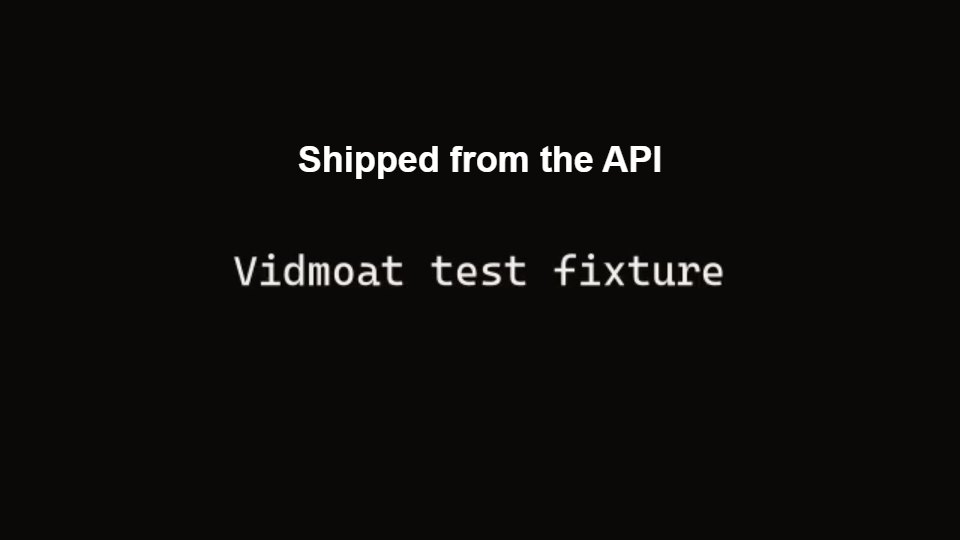
at=0.8 Title only. Check it clears the top safe area.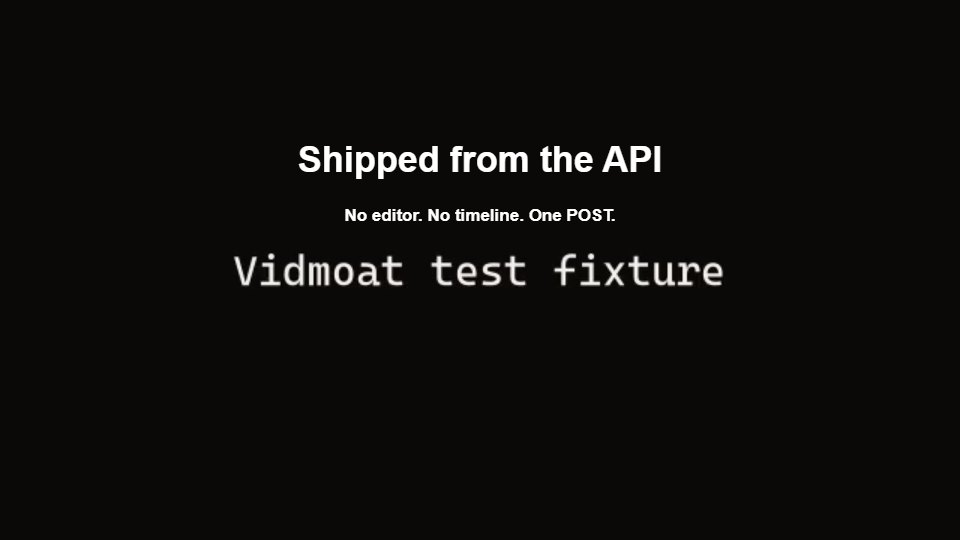
at=2 Title and subtitle together: the overlap moment.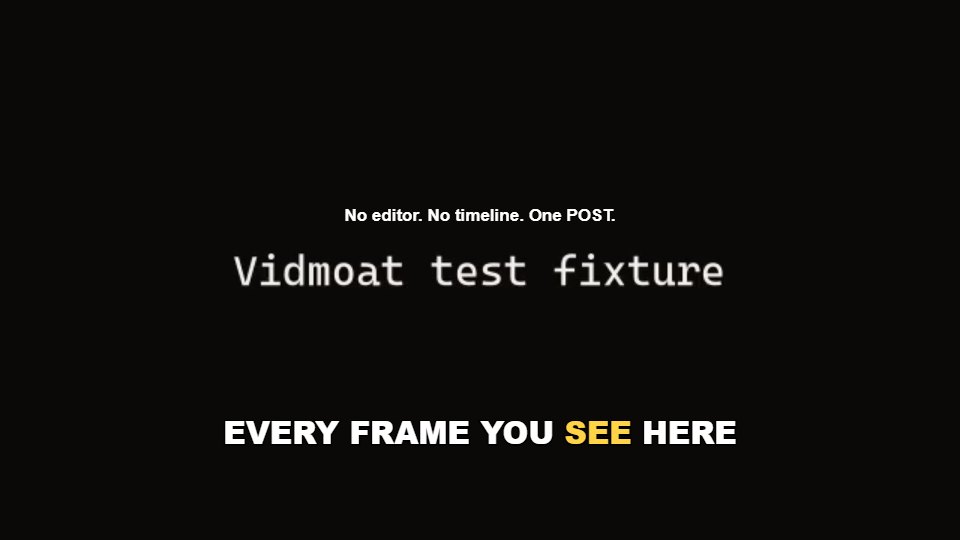
at=4.3 Captions running, titles gone.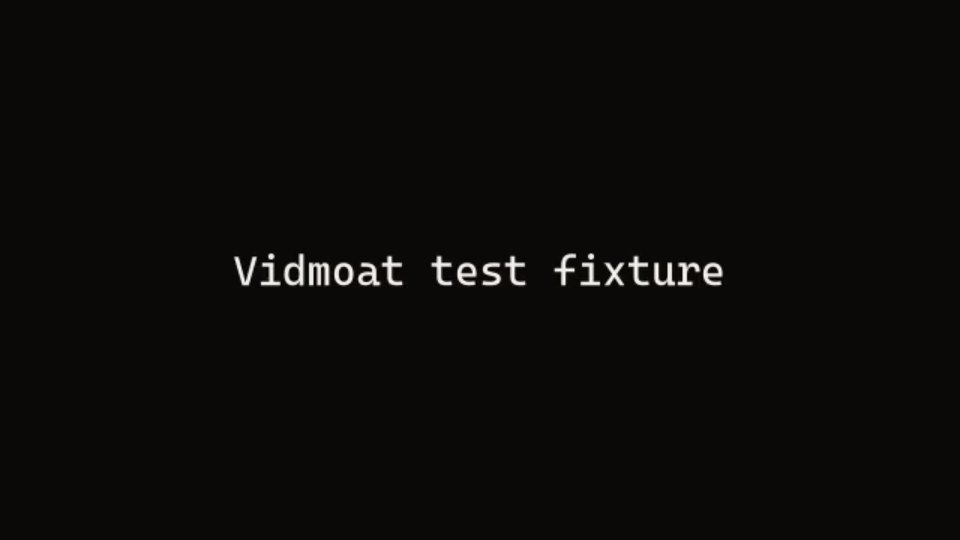
at=5.8 Last frame before the clip ends.Preview inline with the edit (MCP)#
If an agent drives Vidmoat over MCP, do not preview as a separate step. Pass previewAt on the edit itself and the frames come back as images in the same response:
Up to three timestamps. The standalone preview_frame tool takes projectId and time, for looking without editing.
Which one to use#
| You are | Use |
|---|---|
| A server-side pipeline checking its own output | GET /v1/projects/{id}/preview |
| Building a signed-in web UI on top of Vidmoat | The app player at /embed/player |
| An agent making edits and needing to see them | MCP previewAt on the edit call |
| Shipping a finished video to a user | A real render. Previews are not deliverables. |